An AI agent for daily crypto portfolio videos reads a live data source every morning, has a model write a script, renders a talking-head clip, and uploads it to a private YouTube channel — no dashboard, no app, just a notification on a channel you already check. In a May 2026 build video, creator Lewis Jackson documents the system he spent three weeks building: a daily 15-second video briefing on his Bittensor subnet portfolio, generated by Claude Code and Higgsfield, and delivered through YouTube’s own subscription and bell-notification plumbing.
This guide breaks down the architecture, walks through the one-shot setup prompt Jackson now shares publicly, and looks at why routing a data feed through a format you already open — video, not a spreadsheet or another app — is the more interesting idea than the crypto use case itself.
Key takeaways
- The pattern: a daily agent pulls one data source, has Claude write a scene prompt and a title in a single structured call, then hands both to Higgsfield’s Seedance 2.0 model to generate video and spoken dialogue together.
- The demo data source is a live crypto portfolio — Jackson’s “Red Day DCA” Bittensor subnet strategy — but the architecture is data-source agnostic.
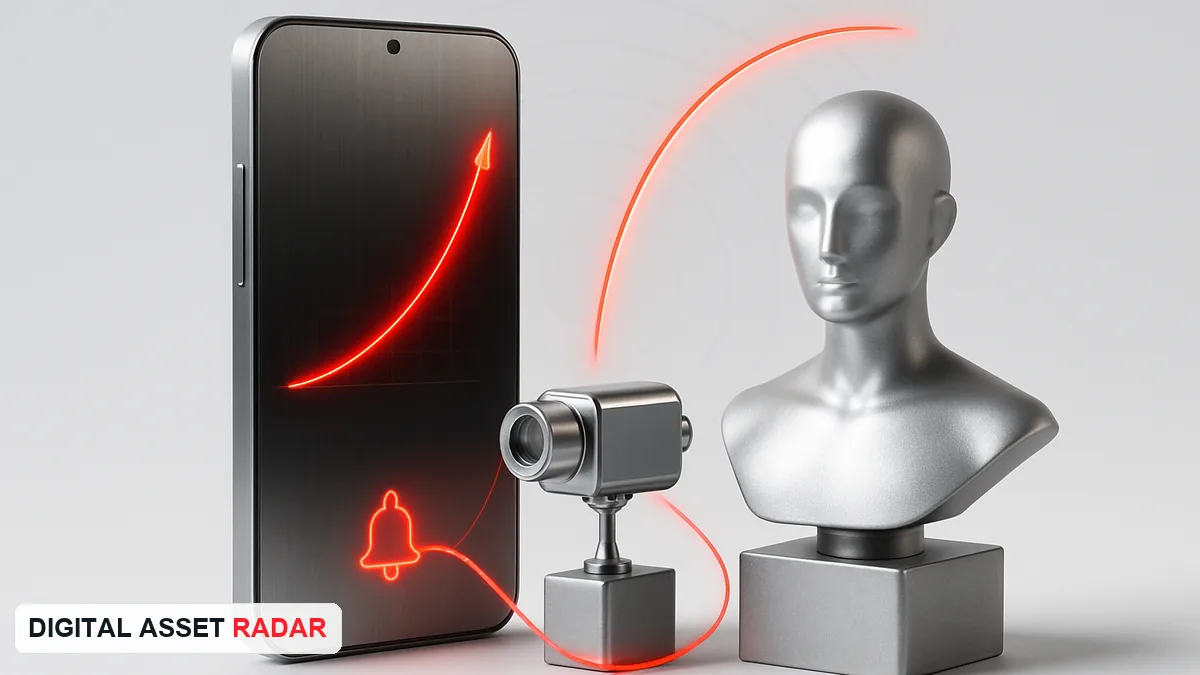
- Distribution is the clever part. The video publishes to a private YouTube channel the creator alone subscribes to, with notifications on — turning a public platform into a personal push-notification system with zero app to build.
- Setup takes about 10 minutes via a single one-shot prompt pasted into Claude Code, which interviews you, wires up API keys, designs an AI presenter, and ships a 7am daily cron job.
- The same rig works for any daily-updating feed — business KPIs, inbox summaries, birthdays, weather, wearable data (Whoop/Oura), or RSS.
Three layers, one shortcut
Strip the build down and it is three layers stacked on top of each other: a data layer (whatever updates daily — in this case a Bittensor subnet portfolio), a generation layer (Claude Code writing the script, Higgsfield rendering it into video and voice), and a distribution layer (a private YouTube channel with the bell turned on).
The first two layers are what most “AI agent” tutorials cover. The third is the actual insight here, and it is the piece worth borrowing even if you have no interest in the crypto side: instead of building a notification system — an app, a push service, a Slack bot — Jackson routes the output into a habit that already exists. He checks YouTube. So the agent posts to YouTube. “AI systems are most useful when they route information into habits you’ve already formed, rather than asking you to build new ones,” is how he frames it, and it is the one line in the video that generalises past this specific project.
It is also a small, personal instance of a bigger shift: software agents doing more of the work of checking, summarizing and acting on data without a human opening a dashboard. We track the larger version of that trend — agents transacting and settling value on their own — in why AI agents need crypto rails.
How the agent works end to end
Every morning, a cron job fires a chain of four steps.
1. Pull the data. The agent reads whatever source you pointed it at during setup — for Jackson, his Red Day DCA Bittensor subnet portfolio, including current holdings, cost basis, and day-over-day moves.
2. Write the script. Claude turns that data into two things in a single structured call: a short spoken script for the AI presenter (portfolio up 2.3%, Bittensor led the pack, weakest position ticked up) and a newspaper-style title for the YouTube upload.
3. Generate the video. The script and a scene prompt go to Higgsfield, an AI image and video platform, which fires its Seedance 2.0 model to produce the visuals and the spoken dialogue in one API call — no separate text-to-speech step. Jackson notes that since he originally recorded the build, Higgsfield has shifted from a plain API integration to an MCP (Model Context Protocol) connection inside Claude Code, which he calls “a major upgrade.”
4. Publish and notify. The finished clip uploads directly to a YouTube channel created for the agent, using a channel ID and OAuth credentials set up during onboarding. Because the creator is subscribed to their own channel with notifications on, the phone pings the moment the video lands — the entire “front end” of the product is a stock YouTube push notification.
Setting it up: the one-shot prompt
Jackson distributes the whole build as a single prompt — 382 lines — pasted directly into Claude Code, Anthropic’s command-line coding agent. The prompt runs a guided install that, in his walkthrough, takes about 10 minutes end to end (not counting video generation time). It is the same install pattern we’ve covered before in our guide to connecting Claude Code to TradingView for live trading — a one-shot prompt that opens the files and consoles you need and pauses for input only when it must.
The onboarding sequence, in order:
- Environment check. Claude Code inspects your machine, confirms prerequisites are installed, and installs anything missing automatically.
- Anthropic API key. The agent opens your
.envfile and the Anthropic console in your browser so you can generate and paste in a key, then save. - Higgsfield connection. Either an API key or, in the current version of the prompt, an MCP connector added directly in Claude Code’s settings.
- Character design. Using Higgsfield’s character tools (built on OpenAI’s image models), you either upload your own photo, generate a random character, or build a detailed AI “influencer” from scratch — appearance, voice, and a written description the model uses to keep the presenter consistent across videos. Jackson’s two presenters are named Echo and Duffy.
- YouTube channel creation. You create a new channel — it does not need to be public-facing, Jackson’s is called “Lewis’s Daily Brief” — then retrieve the channel ID from YouTube’s advanced account settings and connect OAuth so the agent can upload without manual approval each time.
- Data source wiring. In plain language, you tell Claude what to track — Jackson’s exact instruction was to use his “red day DCA strategy” and summarize the portfolio and holdings inside it. Claude locates the relevant files or connects to the relevant API and sets up the daily retrieval.
- First run. The full pipeline — script, video generation, upload — runs once end to end, at a stated cost of roughly 180 Higgsfield credits and two to three minutes of processing.
Once confirmed working, the prompt schedules a recurring 7am job so the whole chain runs unattended every day afterward.
Why a crypto portfolio is a good first data source
Jackson picked his Bittensor subnet portfolio as the demo because it updates daily, has a clean set of numbers (total value, cost basis, best/worst performer), and produces a naturally different script every morning — which makes it easy to see the agent actually reasoning over fresh data rather than repeating a template. That is also why a live portfolio is a reasonable starting point for anyone building this: crypto and Bittensor subnet markets move enough day to day that the output stays genuinely informative rather than repetitive.
It is worth being direct about the source material here: Jackson discloses he holds the Bittensor subnet positions shown in the video, the video includes a paid promotion, and some links in the description are affiliate links. None of the figures in the demo are investment guidance — they are a convenient, fast-moving dataset for demonstrating the pipeline. The same architecture in this guide applies to self-improving trading agents built on Bittensor subnets, where the data feed drives an actual trading loop instead of a video script — a useful comparison if you want to see the same “read a live feed, act on it automatically” pattern taken further.
Beyond crypto: other data sources that fit the same rig
Because the architecture only cares that a data source updates on a schedule, Jackson lists several swaps that need no structural change to the agent, only a different feed at step one:
- Business KPIs — daily revenue or traffic pulled from Stripe or Plausible, turned into a morning “here’s how yesterday went” video.
- Inbox and calendar briefings — Gmail and calendar combined into a “what’s on today” summary.
- Reminders with context — upcoming birthdays or dates, with the agent suggesting gift ideas.
- Personalized weather reports — a custom weather presenter for your specific area.
- Wearable data — Whoop or Oura sleep and recovery metrics summarized each morning.
- RSS feeds — any subscribed feed condensed into a daily video digest.
The generation and distribution layers stay identical across all of these; only the data layer changes, which is the point of building it as a reusable one-shot prompt rather than a one-off script.
Costs, limits, and what to expect
Each run in the demo consumed about 180 Higgsfield credits for one video, which is a meaningful ongoing cost once you are generating one video every single day rather than testing occasionally — budget for it before committing to a daily cadence. The pipeline also depends on three external services staying connected and priced the way they are today: Anthropic’s API for Claude, Higgsfield for video and voice generation, and YouTube’s API for upload and OAuth, any of which can change terms, pricing, or rate limits independently of this guide. Treat the 10-minute setup time and per-run cost as this specific creator’s experience in May 2026, not a guarantee.
Frequently asked questions
What is a daily personal-feed AI agent?
It is an automated system that reads a data source on a schedule — a portfolio, an inbox, a KPI dashboard, a wearable device — has an AI model write a short script from that data, generates a talking-head video from the script, and publishes it somewhere you already check daily, such as a private YouTube channel. The version in this guide runs once every morning via a cron job with no human step required after initial setup.
How do I build an AI agent that posts videos to YouTube automatically?
In Lewis Jackson’s build, the entire setup runs from a single “one-shot prompt” pasted into Claude Code, which interviews you to design an AI presenter, connects Higgsfield for video generation, creates and authorizes a YouTube channel via OAuth, and wires up whatever data source you choose before scheduling a recurring daily job. No manual coding is required beyond following the prompt’s interactive steps.
What is Higgsfield’s Seedance 2.0 model?
Seedance 2.0 is the Higgsfield model this build uses to generate both the video visuals and the spoken dialogue for the AI presenter in a single API call, rather than generating video and voice as separate steps. Higgsfield also provides the character-design tools used to create a consistent AI presenter across daily videos.
Can this AI video agent be used for something other than a crypto portfolio?
Yes — the crypto portfolio in the demo is one example data source, and Jackson lists several others that plug into the identical architecture: business revenue and traffic metrics, a combined Gmail-and-calendar daily briefing, birthday reminders, personalized weather reports, wearable health data, and RSS feeds. Only the data-retrieval step changes; the script-writing, video-generation, and YouTube-publishing layers stay the same.